CapCut Pro and TikTok are built for quick moves, but the connection behind them matters more than people think. A VPN can help with privacy, faster access in some regions, and fewer app hiccups when your normal route feels slow or blocked.
That said, not every VPN handles video editing and short-form uploads well. A weak one can bring lag, buffering, or failed exports, so the right pick matters if you want smooth posting and fewer headaches.
What makes a VPN a good choice for CapCut Pro and TikTok?
The best VPN for these apps has to do three things well. It needs to stay fast, protect your data, and connect without drama on a phone.
Fast speeds for smooth editing and uploads
CapCut Pro leans on a stable connection when you export, save projects, or use cloud features. TikTok also punishes slow speeds because uploads can stall or fail halfway through.
A slow VPN can make the app feel broken. You may see lag, long waits, or a video that never finishes posting. Speed should be the first thing you check.
Strong privacy and trusted no-logs policies
Privacy matters because you use these apps with personal accounts and often on public Wi-Fi. A VPN hides your IP address and encrypts your traffic, which gives you more control over your online activity.
A no-logs policy means the provider does not keep records of what you browse or what you do online. That simple promise helps build trust.
Server locations that work well for app access
Some CapCut tools, templates, or updates show up in certain regions first. TikTok can also behave differently depending on where your connection appears to be.
Servers in Singapore, Japan, South Korea, and Indonesia can be useful if you want more location choices. A wider server list gives you more chances to find a clean, fast route.

Easy apps and reliable connections on mobile
CapCut and TikTok live on phones for most people, so the VPN should feel simple. You want quick sign-in, one-tap connection, and steady performance on both iPhone and Android.
If a VPN takes too long to connect, you'll skip it. The best apps stay out of your way.
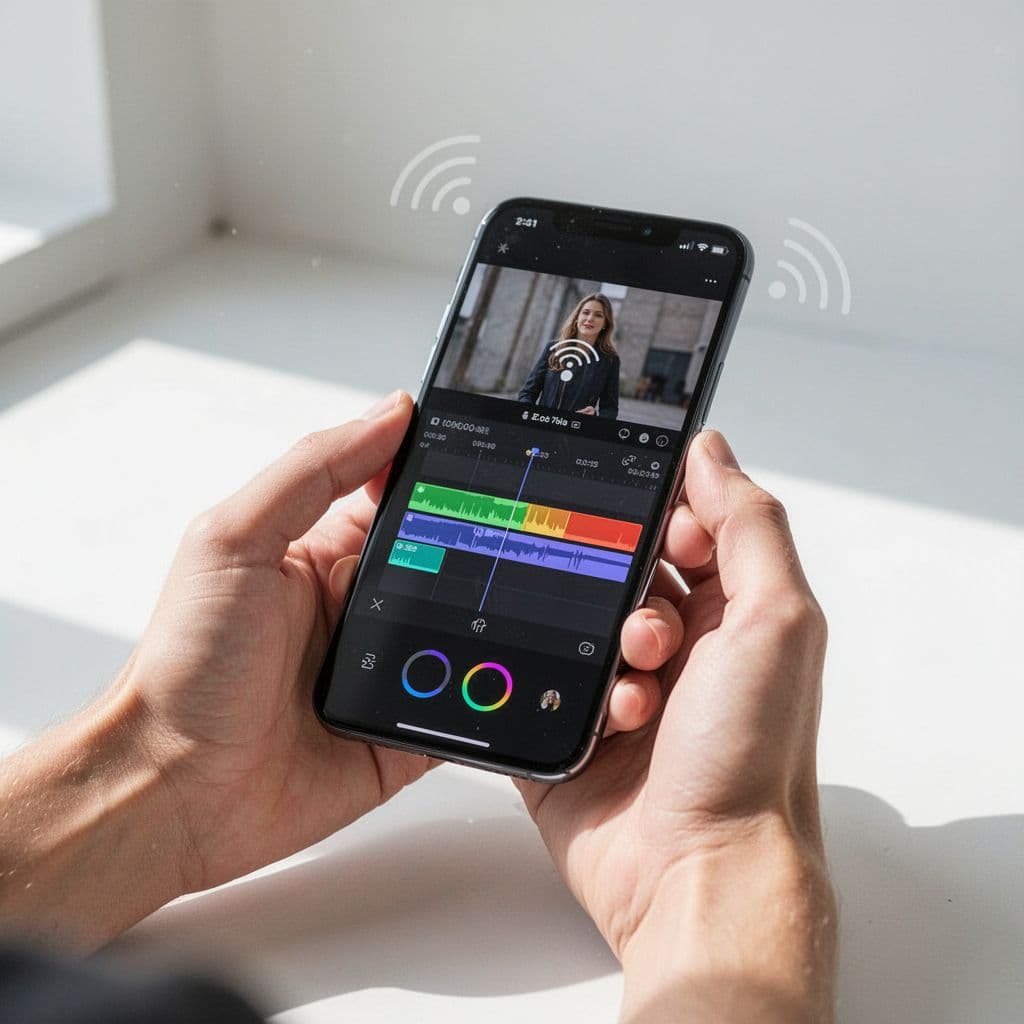
The 5 best VPNs for CapCut Pro and TikTok in 2026
Here's the quick view, then the details. The best option depends on whether you care most about speed, price, privacy, or easy setup.
| VPN | Best for | Why it stands out |
|---|---|---|
| NordVPN | Best overall | Fast speeds, large server network, strong privacy |
| Surfshark | Budget value | Low price, unlimited devices, simple apps |
| ExpressVPN | Easy use | Stable connections, polished mobile experience |
| Windscribe | Light use | Simple setup, basic privacy, flexible access |
| Proton VPN | Privacy-first users | Strong privacy focus, useful free plan |
NordVPN, best overall for speed and reliability
NordVPN install is the safest all-around pick for CapCut Pro and TikTok. It has fast performance, a huge server network, and strong privacy features, so it handles daily use with little fuss.
If you want one VPN that fits most people, start here.
Surfshark, best budget-friendly option
Surfshark install gives you a lower price without feeling bare-bones. It also allows unlimited device connections, which is great if you use a phone, tablet, and laptop.
For families or multi-device users, the value is hard to ignore.
ExpressVPN, best for easy use and dependable performance
ExpressVPN install is the premium choice for people who want simple apps and steady connections. It costs more than some rivals, but the setup is easy and the daily experience feels smooth.
If you hate tweaking settings, this one is a strong fit.
Windscribe, a simple option for lighter use
Windscribe install works well for basic privacy and casual app access. It is fine for lighter editing and normal posting, especially if you want something straightforward.
For heavy exports or frequent uploads, a faster paid plan will usually feel better.
Proton VPN, strong privacy with a solid free plan
Proton VPN install is the privacy-first option in this group. Its free plan can help you test the waters, but paid plans are better for smoother CapCut Pro work and fewer upload delays.
If trust matters most, Proton VPN is worth a look.
How to set up a VPN for CapCut Pro and TikTok without problems
The setup is simple if you keep the order clean. Install the VPN, sign in, and test a nearby server before you start changing too many settings.
Pick a nearby server for the best speed
Start with a server close to your actual location, or one the app recommends. Nearby servers usually give better speed and fewer drops.
If CapCut still acts up, try a second location before you assume the VPN is the issue.
Update the apps before testing the connection
Make sure CapCut and TikTok are updated first. Old versions can cause bugs that look like VPN trouble, when the app itself is the real problem.
A quick update can save a lot of guesswork.
Turn off the VPN only if the app stops working properly
If an app breaks after you connect, switch servers first. You can also try a different protocol if your VPN offers one.
Turn the VPN off only as a test, so you can compare the results clearly.
Paid VPNs vs free VPNs for CapCut Pro and TikTok
Free VPNs look tempting, but they usually struggle with speed, data limits, and crowded servers. That gets in the way fast when you export video or upload clips.
If your video keeps failing on public Wi-Fi, a weak free VPN usually makes the problem worse.
| Type | Good points | Weak points |
|---|---|---|
| Free VPNs | No cost, useful for testing | Slow speeds, data caps, weaker privacy |
| Paid VPNs | Faster, more servers, better privacy | Costs money |
Paid VPNs are the better choice if you edit often or post regularly. Free plans can work for a quick test, but they rarely feel smooth for daily video use.
Conclusion
For most people, NordVPN is the best overall choice for CapCut Pro and TikTok because it balances speed, privacy, and reliability. If you want to spend less, Surfshark is the best budget pick.
ExpressVPN is the premium option for anyone who wants easy setup and steady performance. Choose based on what matters most, speed, price, or simplicity, and you'll end up with a VPN that stays out of your way.




No comments:
Post a Comment